
In an era where digital transformation is essential, businesses are increasingly turning to ServiceNow’s Employee Center to streamline workflows, enhance employee engagement, and improve service delivery. But implementing this platform successfully requires strategic planning, an understanding of potential challenges, and a focus on user experience (UX) design.

1. Benefits of ServiceNow Employee Center
Enhancing Efficiency and User Experience
Implementing ServiceNow Employee Center comes with a range of benefits that not only streamline operations but also enhance the employee experience.
- Omni-Channel Access: Employees can connect through Microsoft Teams, the ServiceNow app, and other platforms, ensuring access from anywhere.
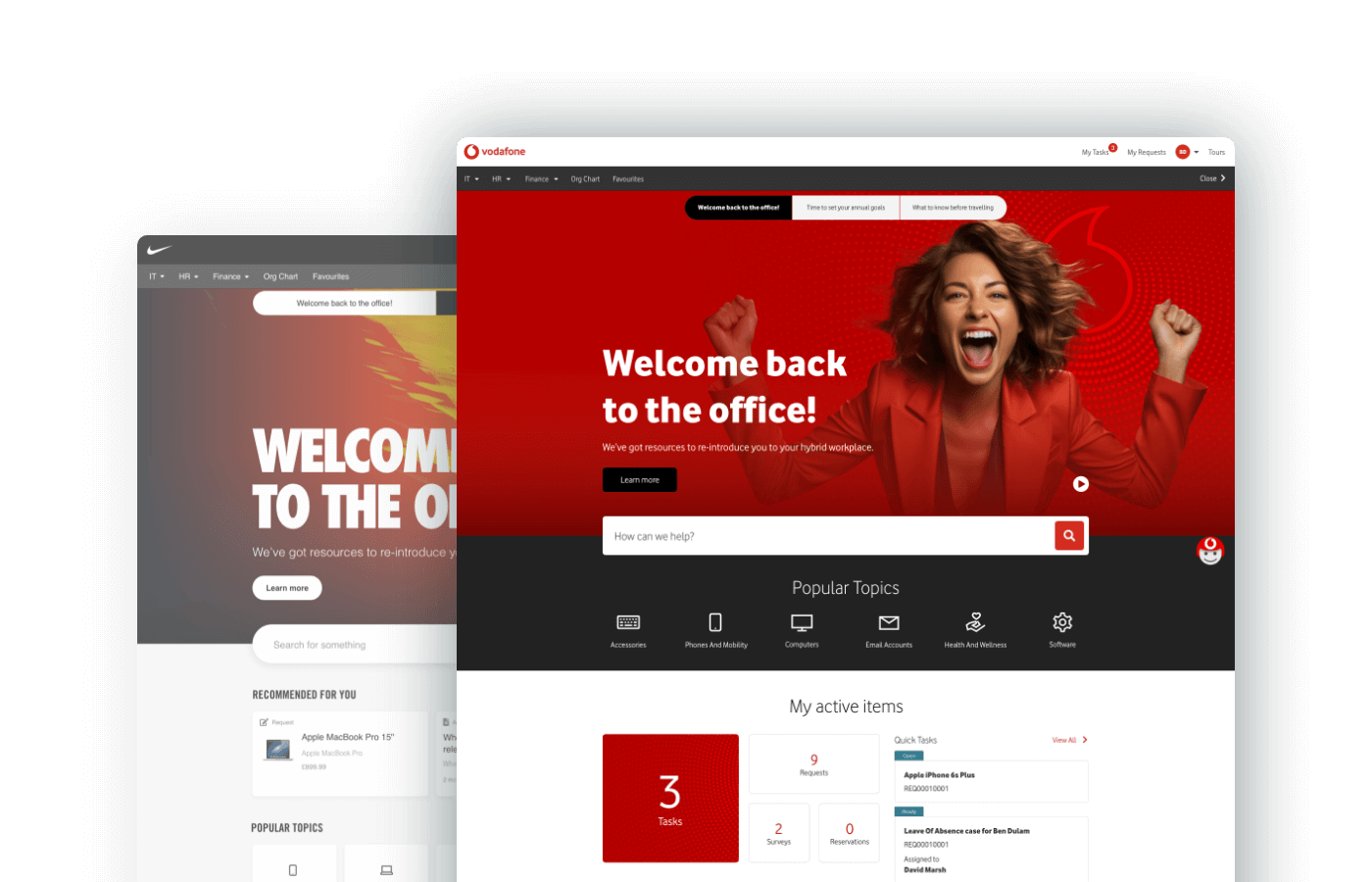
- Unified Taxonomy and Dynamic Topics: Traditional categorisation often confuses employees. The Employee Center uses a unified taxonomy, allowing employees to find information effortlessly.
- Consolidated View of Active Items: Employees can manage approvals, tasks, requests, and incidents in a single view, reducing frustration.
- Targeted Content and Personalisation: Custom content ensures employees receive relevant information, boosting engagement and response rates.
- Multi-Departmental Services: Employees can access services across HR, IT, Workplace Services, and Legal from a single platform.
2. Navigating Challenges and Integration
Overcoming Obstacles for Seamless Implementation
While the Employee Center provides transformative benefits, implementation challenges must be addressed:
- Integration with Existing IT Infrastructure: ServiceNow’s Automation Engine allows seamless integration, ensuring minimal disruption.
- Transitioning from Traditional Service Portals: Moving away from legacy portals requires customisation and scalability improvements.
- Customisation and Branding: Aligning the Employee Center with corporate branding fosters user adoption and trust.
- Employee Training and Adoption: A successful rollout includes clear communication, training programs, and adoption strategies.

3. Real-World Success Stories
Transformations Achieved with Employee Center
- Case Study 1: A financial institution modernised its service portal with a unified taxonomy, improving information access and increasing operational efficiency.
- Case Study 2: A global enterprise enhanced internal communication through targeted content, resulting in higher adoption rates and employee satisfaction.
- Impact on Workflow and Productivity: By consolidating self-service and support functions, employees reduced time spent searching for information and focused on core tasks.
4. The Importance of Good UI Design
Creating an Intuitive and Engaging Experience
The success of ServiceNow Employee Center depends on user interface (UI) design:
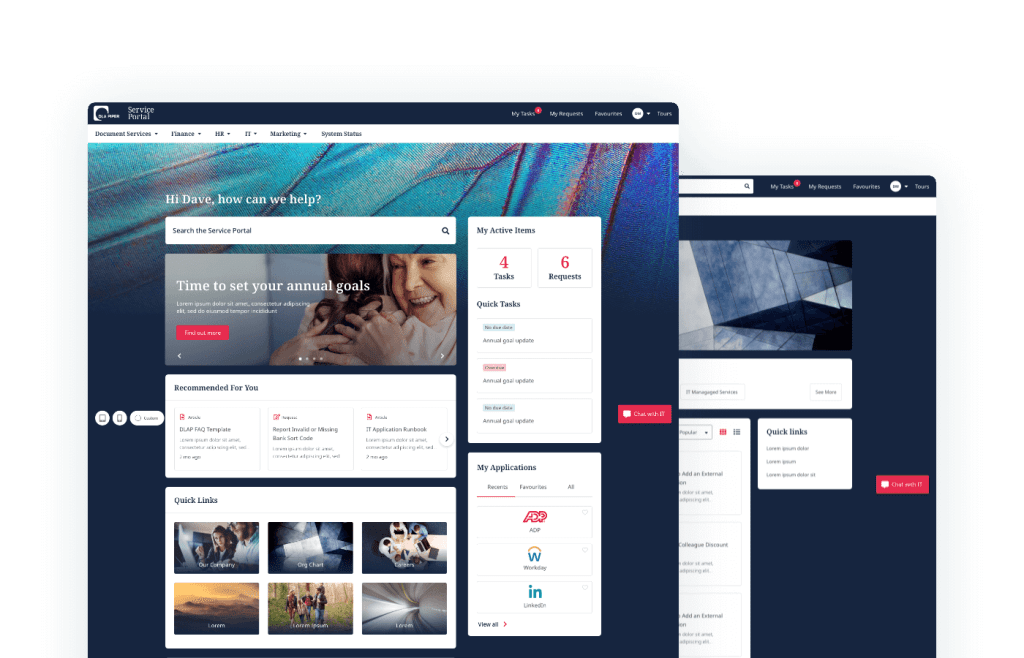
- User-Friendly Navigation: Simplifies the experience, reducing the need for extensive training.
- Engagement and Personalisation: Custom content boosts employee interaction and efficiency.
- Visual Appeal and Accessibility: Ensures usability across devices, supporting employees with diverse needs.
- Continuous Feedback & Iteration: Regular updates ensure the platform evolves with user expectations.
5. Implementing ServiceNow Employee Center: Key Takeaways
Lessons Learned and Best Practices
- Embrace an Omni-Channel Experience: Meet employees where they work to maximise engagement.
- Leverage Unified Taxonomy: Organised content improves navigation and reduces search time.
- Personalise Content: Delivering targeted messages boosts adoption and user satisfaction.
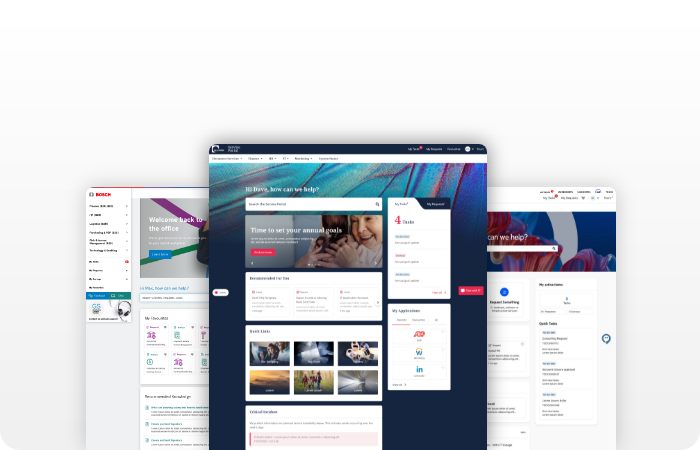
- Prioritise UI/UX Design: A well-designed interface enhances usability, efficiency, and productivity.
- Continuous Improvement: Gather feedback to refine and optimise the Employee Center experience.
Partner with Monochrome for a Superior Employee Experience
At Monochrome, we specialise in user-centric ServiceNow implementations, ensuring your Employee Center drives engagement, productivity, and operational success.
Book a meeting to discover how we can elevate your ServiceNow Employee Center experience.